AI Operations Systems for Construction Companies
Photisis AI helps general contractors and SMB construction companies capture leads, automate follow-up, organize operations, and reduce repetitive admin work — with custom AI systems built around your existing workflow.
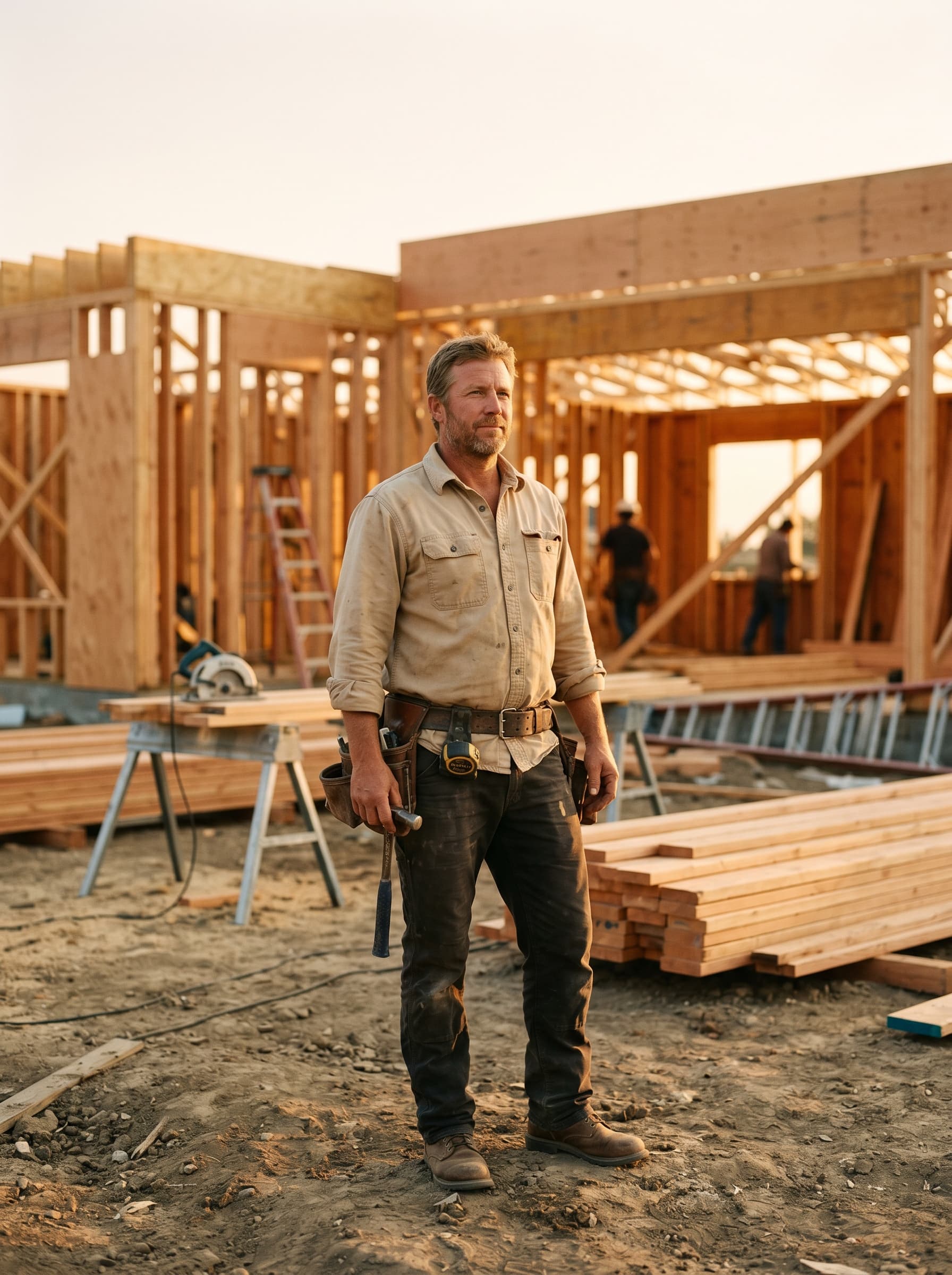
Most contractors don't lose work because of bad work.
They lose it because nobody has time to chase every lead, track every reply, and follow up consistently while running active jobs. The issue is not effort. It's the lack of a system.
- Slow replies to new estimate requests
- Leads getting forgotten
- No consistent follow-up after the first reply
- Leads scattered across email, texts, voicemail, and forms
- No simple dashboard showing who needs action
- Repetitive admin work stealing time from the jobs
- Difficulty knowing which leads are actually hot
- Missed replies buried in the inbox
- No standard follow-up process
Not another system for you to manage.
We set up, monitor, and maintain the system for you. Your team keeps working the way they already do — while the follow-up, tracking, and alerts run quietly behind the scenes.
We audit your workflow
How leads come in, who handles them, and where things slip.
We build the system
Around your existing email, forms, and tools — not on top of them.
We connect everything
Forms, inbox, dashboards, alerts. You provide access; we do the wiring.
We test in draft mode
Every customer-facing message stays a draft until you approve it.
We monitor & maintain
We watch the system, fix issues, and keep it improving over time.
You act only when it matters
Hot leads and replies bubble up. The rest runs in the background.

You provide: access to your existing tools and a few minutes to explain how leads come in.
We provide: everything else — and we keep it running.
AI Lead Follow-Up System for Contractors
When a new estimate request comes in, the system captures the lead, drafts a professional first response, schedules follow-ups, tracks status, and alerts you when the lead is ready for action. You stay focused on the jobs.
Captures every estimate request
Website forms, email, and lead notifications — pulled into one place automatically.
Drafts a professional first reply
Tailored to the project type — and held as a draft until you approve.
Runs a 14-day follow-up sequence
Polite, on-brand follow-ups so leads don’t go cold while you’re on a job site.
Tracks status in a Google Sheet dashboard
New, replied, hot, booked, lost — at a glance. No new app to learn.
Sends hot lead alerts
When a lead replies or goes hot, you get a clear ping with the recommended next action.
Stops automatically when a lead replies
Replies get classified, status updates, follow-ups pause — no awkward messages.
Every install starts in draft mode. You review and approve customer-facing messages before anything sends automatically. When you’re comfortable, we move specific messages to auto-send. You stay in control the whole time.
A controlled, practical rollout — not a science project.
- 01
Audit your current workflow
We look at how leads come in today, where they go, and where things drop. No assumptions, no template plan.
- 02
Connect your existing lead sources
Website form, inbox, contact form, referrals — we plug into what you already use, instead of replacing it.
- 03
Build the follow-up & tracking system
AI replies, follow-up sequences, status tracking, and a clean dashboard — tuned to your business.
- 04
Launch in draft mode
Every customer-facing message is a draft you approve, until you decide which to auto-send.
- 05
Monitor, maintain, and improve
We watch the system, fix anything that drifts, and refine the prompts and flows as you grow.
AI Workflow Audit & Personalized Automation Build
If lead follow-up is only one part of your problem, we can map the rest. We review how your business actually runs, find the bottlenecks where AI can safely help, and build a system around those — not a generic template.

What the audit looks for
- Manual admin bottlenecks
- Repetitive email tasks
- Lead tracking problems
- Follow-up gaps
- Estimate communication issues
- Status update problems
- Customer communication delays
- Internal reporting needs
- Missed opportunities
- Disorganized tools
- Places where AI can safely assist
Possible custom AI builds
Common starting points — yours may be different.
Not another complicated CRM. Not another generic AI agency.
Photisis AI is a practical systems builder and maintenance partner — focused on the specific operational gaps small construction companies actually deal with.
Built specifically for construction
Not a generic AI agency template. Lead types, message tone, and workflows match how contractors actually operate.
Done-for-you setup
We handle the workflow audit, integrations, prompts, dashboards, and alerts. You don't configure anything.
Ongoing maintenance handled by us
If something needs adjusting, fixing, or improving, we do it. The system stays running without your time.
Built around your existing tools
Email, forms, Google Sheets — what you already use. Not another platform to migrate to.
Human approval first
Draft mode is the default. Customer-facing messages stay drafts until you approve them.
Practical systems, not AI hype
Clear dashboards, real follow-up, useful alerts. No buzzwords, no autonomous-everything promises.
Best for construction businesses that already have leads — but not a real system to handle them.
If estimate requests are coming in but consistent follow-up isn't happening, this is for you.
Built for
- General contractors
- Remodelers (kitchen, bath, whole-home)
- SMB construction companies
- Specialty contractors
- Residential construction companies
- Owner-operated construction businesses
Signs it's a good fit
- You already get inbound estimate requests
- Leads come from website forms, email, or referrals
- Follow-up depends on memory, sticky notes, or texts
- You're too busy on job sites to respond instantly
- You don't want to learn another complicated CRM
- You want someone else to set up and maintain the system
Questions contractors ask before booking a call.
Don’t see your question here? Ask it on the call — that’s usually the fastest way to figure out if this fits your business.
01Is this a CRM?
02Do we have to set this up ourselves?
03Does this send emails automatically?
04Can I approve messages before they go out?
05Do I need to change my website?
06What happens when a lead replies?
07Can you build custom AI systems beyond lead follow-up?
08How does the AI workflow audit work?
09Who maintains the system after launch?
Want to see where AI can remove bottlenecks in your construction business?
A short call to understand your current lead follow-up and admin workflow, identify bottlenecks, and see whether a custom AI system would actually be useful.
Calendly placeholder · https://calendly.com/ayden-photisisai/intro-call
Or send a few details and we’ll reach out.
Tell us a bit about your business and where leads are slipping. We’ll come into the call already familiar with your situation.
Early contractor pilot installs now open for select construction companies.